Scan editor
Correct a textile scan before opening the studio
Import a plaid, check, stripe, or woven photo, then correct crop, perspective, colors, and formulas before sending the result to the TextileWeave studio.
Formula correction
Correct the detected warp and weft counts before opening the studio.
Reconstruction
This is the editable woven reconstruction that will open in the studio.
Editable fabric starters
No scan ready? Start from a real fabric use case.
Open shirting, suiting, scarf, upholstery, blanket, and game fabric examples with formulas and colors already prepared.
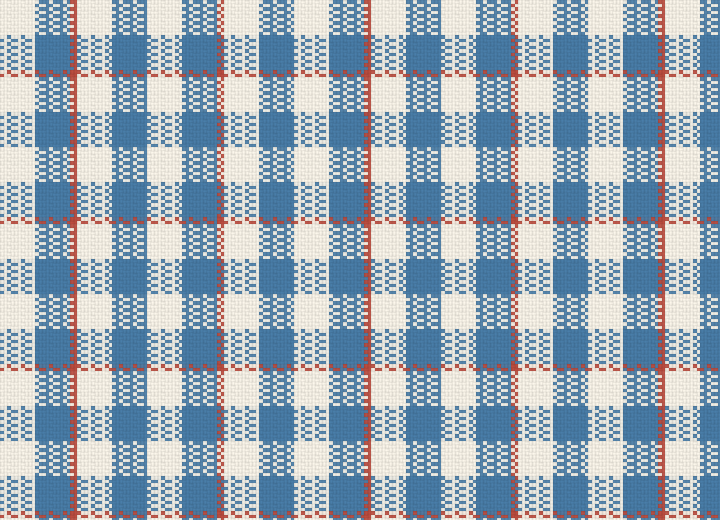
Shirting
Shirting check
A clean oxford-style check for shirt fabric, color trials, and balanced warp/weft planning.
Edit this fabric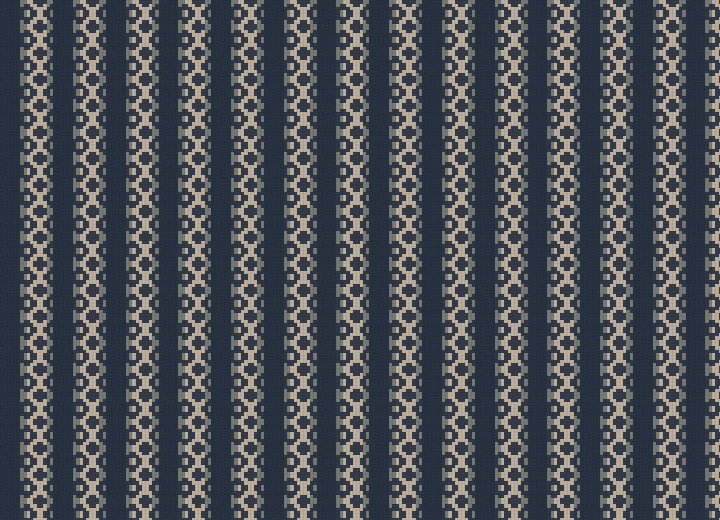
Suiting
Suiting herringbone
A restrained herringbone direction for tailoring, wool suiting, coats, and formal textile previews.
Edit this fabric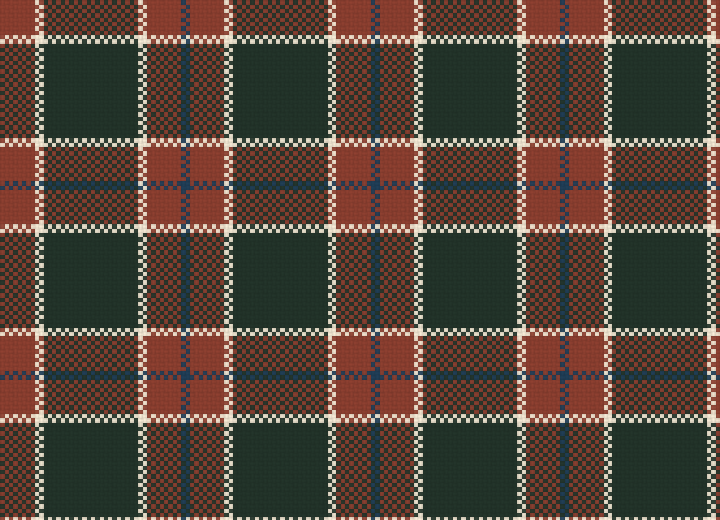
Scarf
Scarf tartan
A warm tartan-inspired scarf layout with broad fields, guard stripes, and soft wool simulation.
Edit this fabric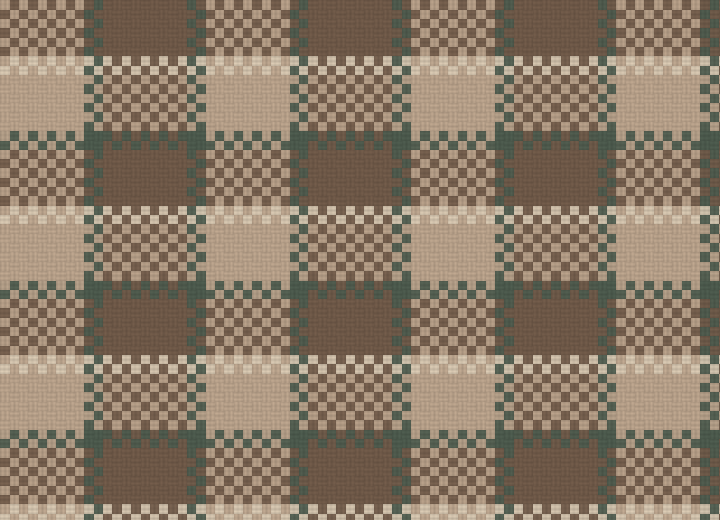
Upholstery
Upholstery basket weave
A broader basket weave for interiors, cushions, furniture textile studies, and heavier woven surfaces.
Edit this fabric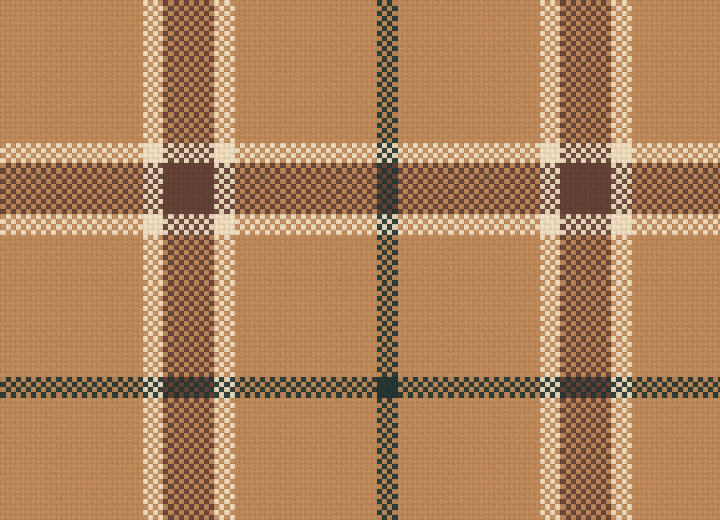
Blanket
Blanket plaid
A larger soft-wool plaid for blanket, throw, and home textile colorway exploration.
Edit this fabric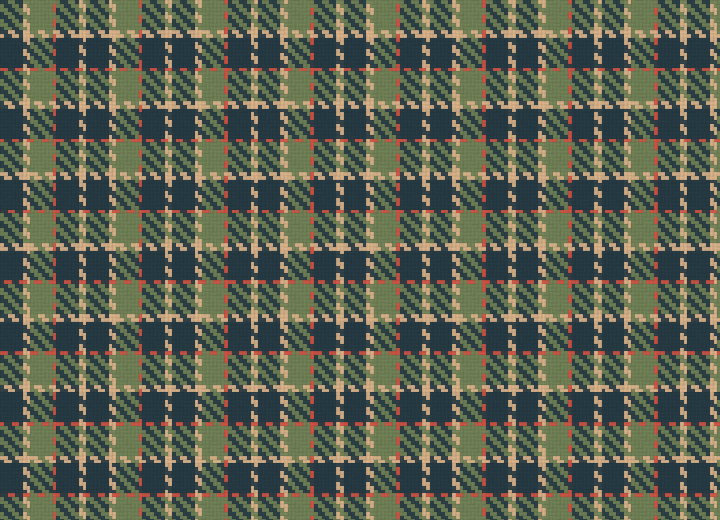
Game fabric
Game fabric tile
A compact tileable woven texture starter for technical artists, mockups, and real-time material tests.
Edit this fabric